

How I Use Notion to Keep My Newsletter (and Sanity) in Check
If your notes are scattered and your drafts are a mess, this setup might just change your life.

Hey Productivity Community,
I don’t know about you, but ideas hit me at the most random times—while I’m scrolling through comments, in the middle of cooking, or right before bed. And if I don’t write them down immediately? Gone.
For the longest time, my newsletter process was a mess. I’d have ideas saved in my Notes app, half-written drafts in Substack, and random thoughts scribbled in different places. I’d sit down to write and spend half my time just figuring out what I was supposed to be working on. Planning content for my Substack? Forget it. I’d write when I felt like it, which meant long stretches of inconsistency.
That’s when I decided to create a simple Notion system to keep track of everything. Now, I never lose an idea, I know exactly what’s in progress, and I don’t have to scramble last-minute when it’s time to send out a post. If you’re a writer (or trying to be more consistent on Substack), here’s how you can use Notion to make your life easier.
Step 1: Create a Writing HQ
Instead of jumping between apps, I wanted one place where I could see everything—my ideas, drafts, and what’s scheduled. Think of this as your creative home base.
Here’s what my Notion dashboard includes:
✅ An Idea Bank – A space to quickly jot down content ideas before I forget them.For all those random thoughts that could turn into something great.
✅ A Drafts Tracker – So I know what I’m currently working on and what’s ready to publish.
✅ A Published Library – To keep track of my past posts and see what’s working.
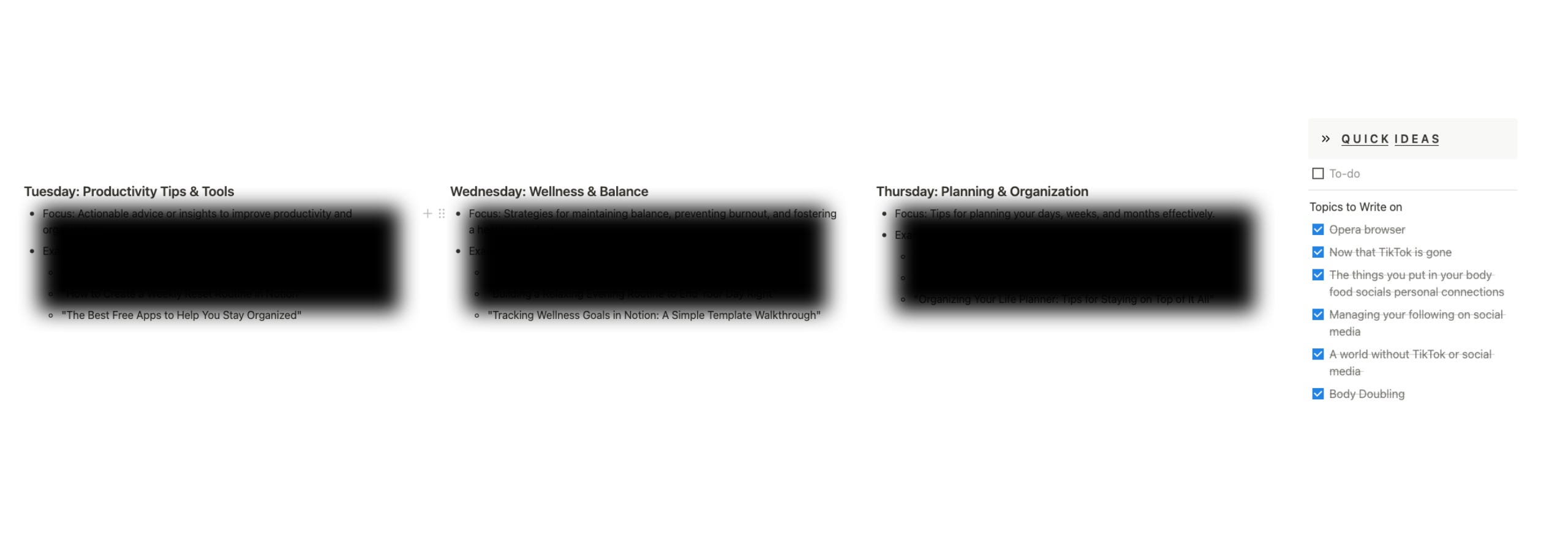
Before this, I’d start new drafts and completely forget about them. Now? Everything has its place, and I actually follow through on ideas.
Step 2: Capture Every Idea (Before It Disappears)
We don’t have a shortage of ideas—we just forget them. That’s why I set up a Brain Dump spot in Notion where I can quickly save any potential newsletter topic. It’s a simple database where I quickly jot down any topic that comes to mind.
I also added:
Tags to organize ideas by category (e.g., “Productivity,” “Personal,” “Deep Dive”).
A Status Column to mark whether it’s just an idea, an outline, or in progress.
A Notes Section to add links, references, quotes, or key points for later.
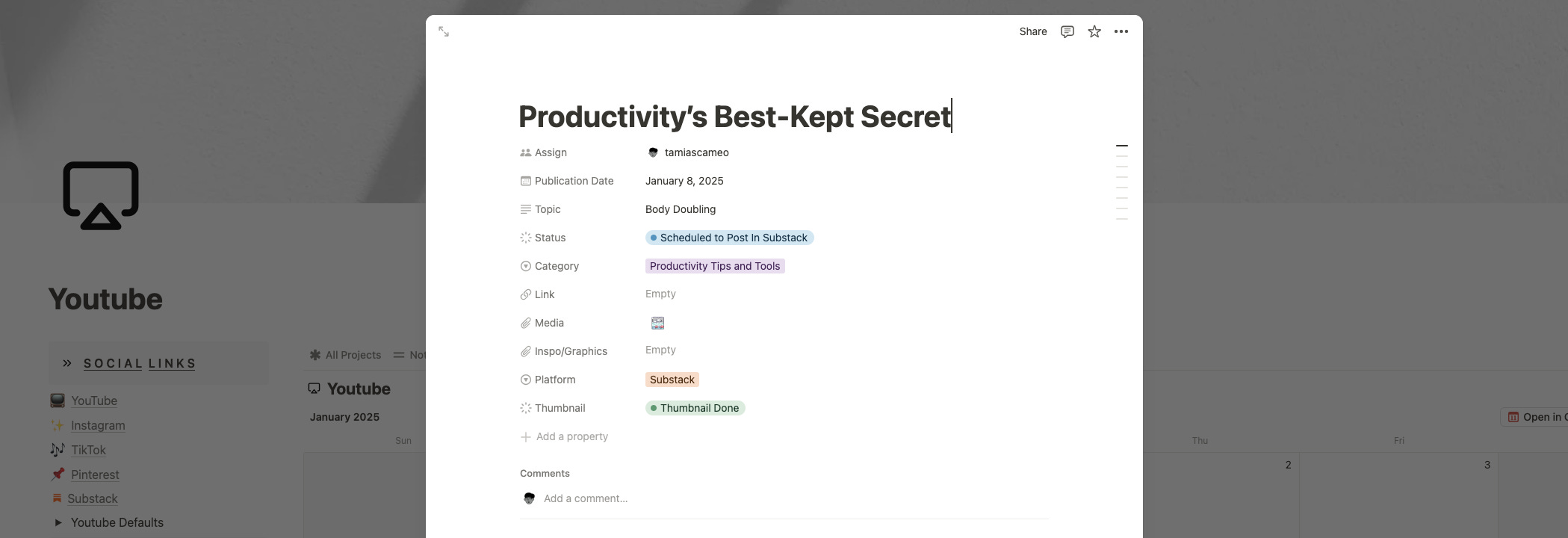
Now, when it’s time to write, I don’t have to come up with something from scratch and I’m not staring at a blank page—I just pick an idea that already has some notes and run with it.
Step 3: Keep Your Substack Content on Track
One of the hardest things about running a newsletter is staying consistent. Some weeks, I have tons of ideas. Other weeks? Nothing. If you’ve ever thought, I should post more on Substack… but what do I even write about?, a content planner in Notion is your best friend. That’s where my Substack content planner in Notion comes in.
Here’s how I use it:
📅 A Calendar View – So I can see what’s planned and when it’s going live.
📌 Drafts Linked to Each Date – No more searching for where I left off.
✔️ A Pre-Publish Checklist – To make sure each post is polished before hitting send.
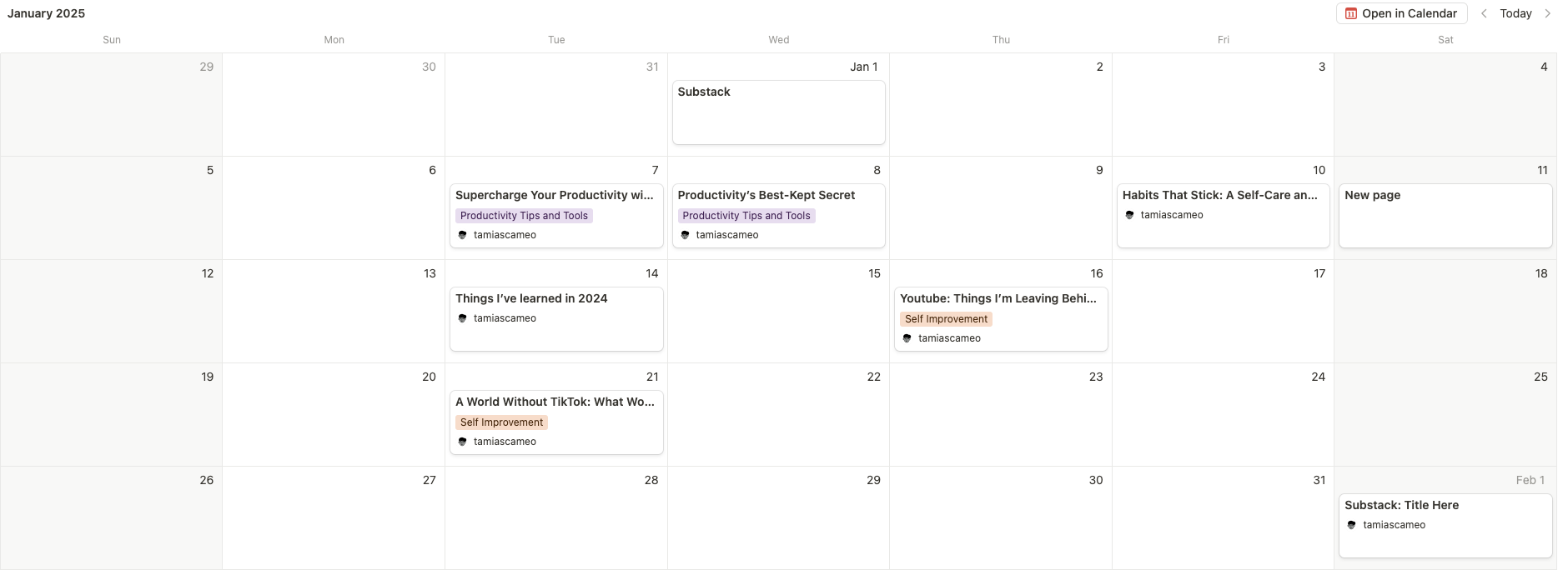
This keeps me from scrambling last minute and makes sure I’m staying consistent—even when life gets busy.
Step 4: Track Your Progress & Stay Motivated
Even though I don’t consider myself a “writer,” keeping a newsletter going is writing, and it helps to track progress. There’s something so satisfying about seeing your progress in real-time. In Notion, I set up a Writing Tracker to keep myself accountable.
Word Count Goals – To see how much I’m actually writing each week.
A Kanban Board – To move posts from idea → draft → editing → published.
A Monthly Reflection – Where I note what worked, what didn’t, and adjust my approach.

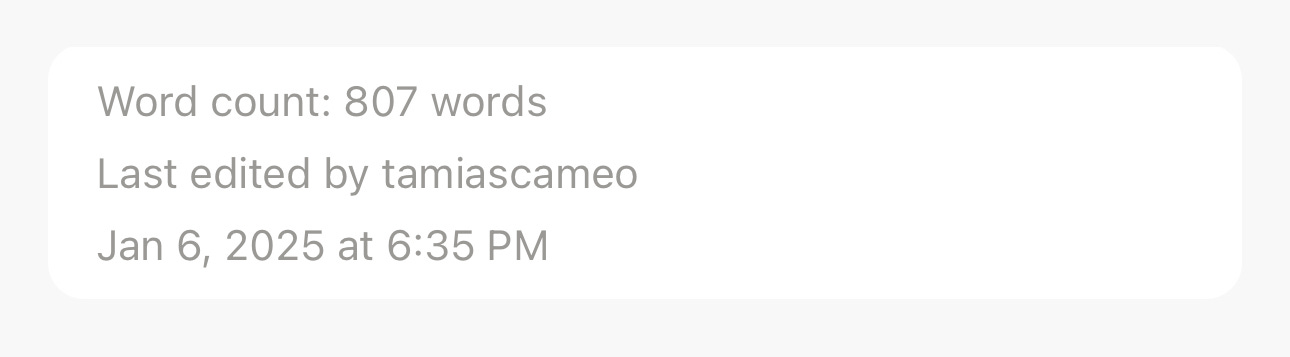
This helps me stay on track, especially on days when writing feels slow. Even if I only write a few hundred words, seeing it tracked keeps me motivated.
Final Thoughts: A Simple System = Writing Doesn’t Have to Be Chaos
If your writing process feels scattered, you’re not alone. But having a system—even a simple one—makes all the difference. Notion helps me capture my ideas, track my progress, and actually publish consistently.
If you’re running a Substack (or just want to write more consistently) and if you’re tired of half-finished drafts and forgotten ideas, give this setup a try. If you already use Notion, let me know—how do you organize your content?
Until next time,
Tamia L.
Productivity Headquarters | ✨ Everything you need right at your fingertips

This is a great summary of how you do it. I found a substack-specific template in the notion template library: https://www.notion.com/templates/content-writing-dashboard?srsltid=AfmBOoos0Y-ZnNv-j3cHsuHAXPkQZzwOuJL-jIrapfpVQFCjtWsmYIIS can't report back yet, but maybe it's helpful for anybody else!
This is incredible! Thanks for sharing these tips. I wish you included a template – I would've paid to download + duplicate it but I ended up going to Etsy to grab one for $20.